
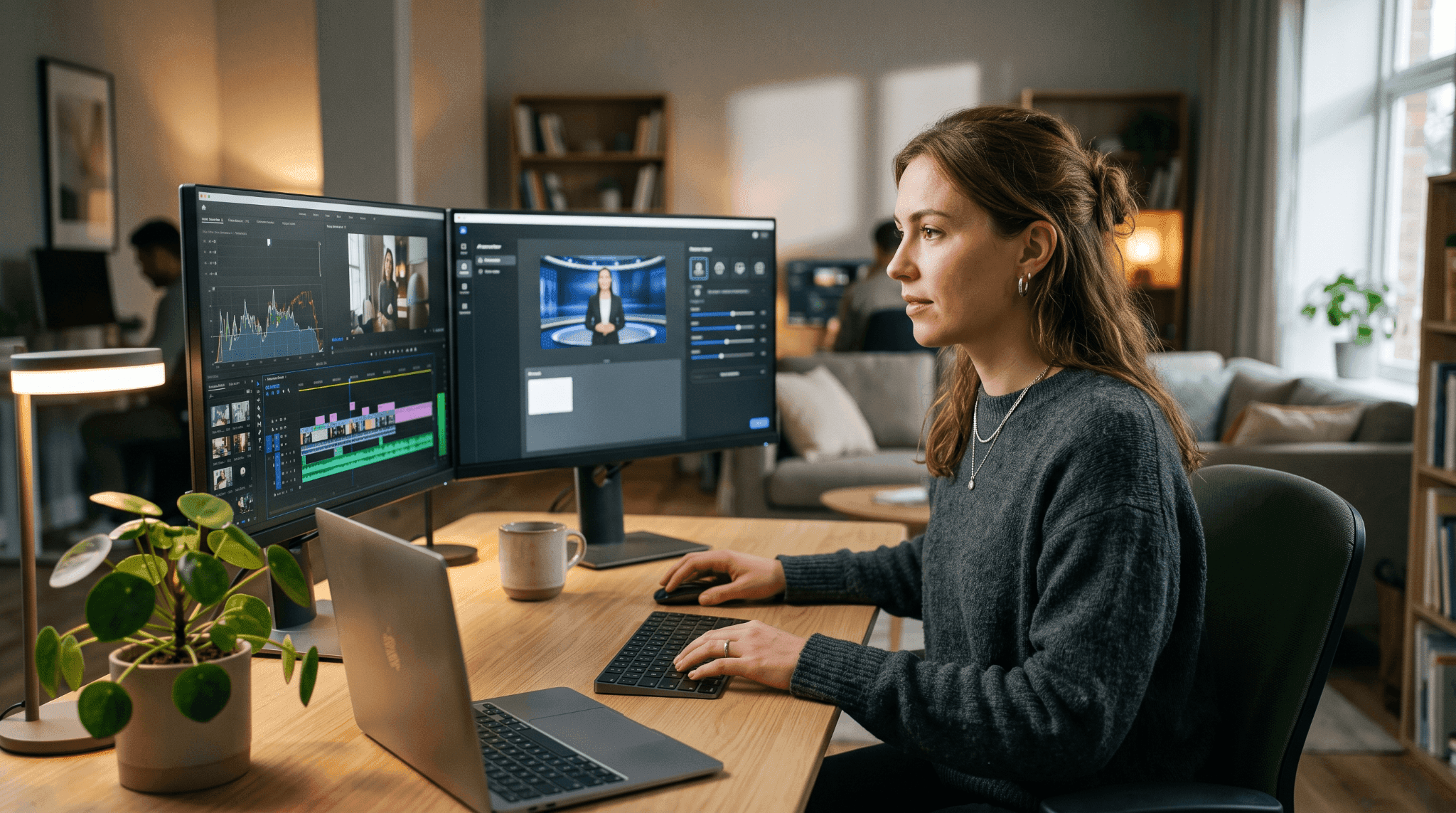
Learn how to plan, script, and produce AI training videos for onboarding, compliance, and skills development, without filming or a production budget.
How to Create AI Training Videos: A Practical Guide
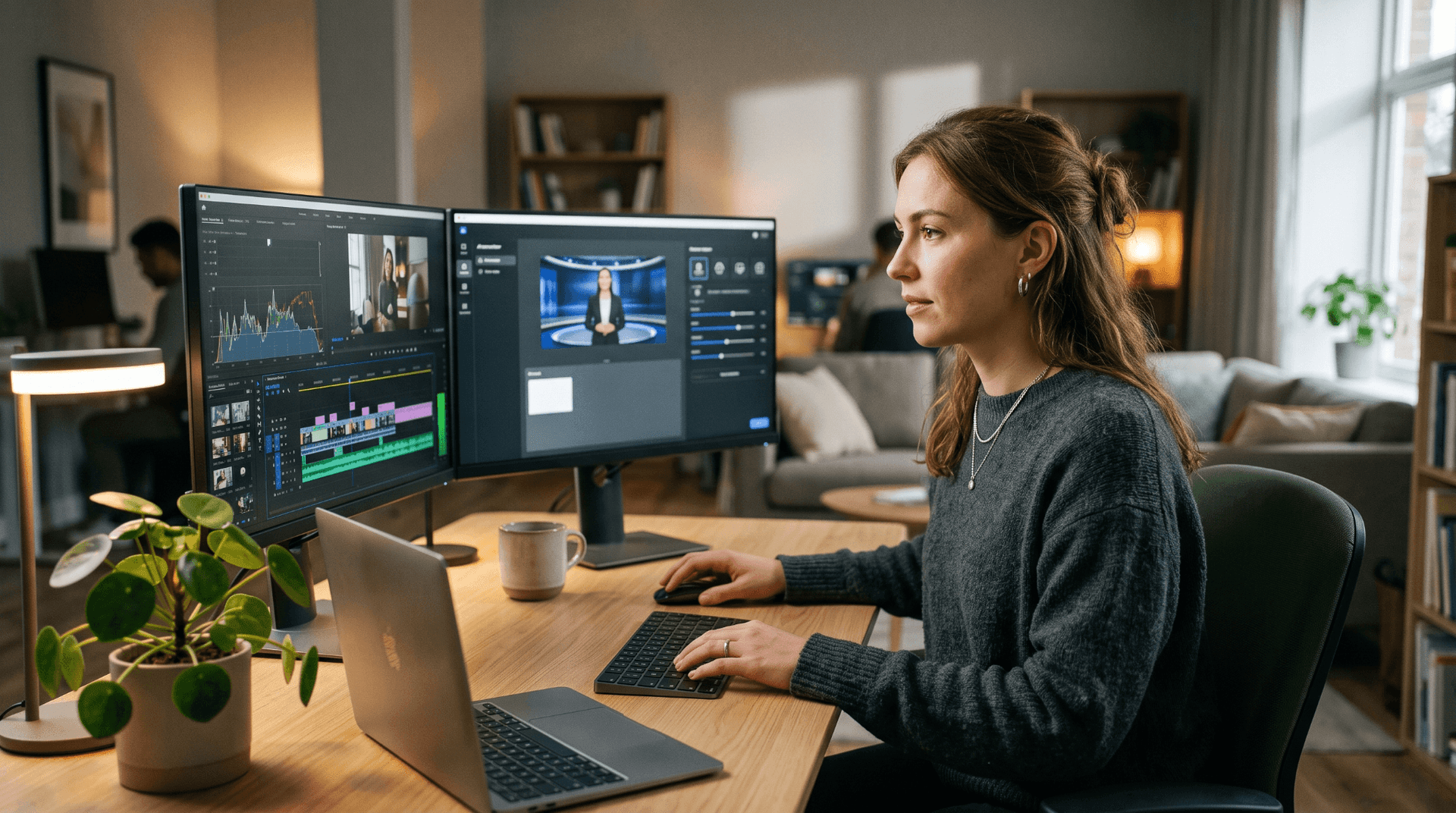
Producing a single training video the traditional way typically takes between 40 and 100 hours of combined effort: scripting, scheduling talent, filming, editing, and approval rounds. When a policy changes or a process is updated, the video has to be remade from scratch.
AI removes most of that overhead. A team limited by traditional production timelines can realistically move from a few modules per quarter to several per week. The limiting factor is no longer production capacity but content quality and pedagogical design.
This guide covers the complete process: how to structure training content for video, which format suits each training type, how to produce the video without filming, and what to do when the information changes.
Why Training Videos Fail: What AI Changes
The most common reason training videos fail has nothing to do with production quality. It is long.
Completion rates drop sharply for videos above 15 minutes, and training videos perform best at 3 to 7 minutes per module. A 45-minute new-hire orientation does not become engaging because it is well produced. It needs to become five short modules, each covering one thing the learner can remember and apply.
The second reason training videos fail is relevance. Generic content that does not reflect the learner's role, tools, or workflow asks the viewer to do extra translation work to connect the material to their job. That translation rarely happens.
AI addresses both problems. A capable AI video generator makes producing many short, specific videos economically practical. A team that previously had to choose between a single expensive video and nothing can now produce a separate module for each role, each tool, and each process step, and update each one independently when something changes.
Types of Training Video and Which Format Suits Each
Different training goals call for different formats. Choosing the wrong one is the second most common structural mistake after getting the length wrong.
- Onboarding and culture — Presenter-led or animated — 3 to 5 minutes
- Software or process walkthrough — Screen recording with voiceover — 2 to 4 minutes per task
- Compliance and policy — Presenter-led with scenario examples — 2 to 4 minutes
- Product knowledge — Mixed: presenter plus generated footage — 3 to 6 minutes
- Soft skills and communication — Scenario-based or presenter-led — 4 to 7 minutes
Presenter-led videos feature a person, filmed or AI-generated, delivering the content directly. Presenter-led videos suit introductions, culture content, and topics where tone and relationship matter alongside information.
Screen recording videos are the standard for software training, showing the actual interface being used. The footage must come from a screen recorder; AI handles the narration, the framing, and the editing around that footage.
Generated footage videos use text-to-video or image-to-video output as the visual layer under narration. They suit product knowledge, conceptual explanations, and process overviews where there is no interface to show, but the topic benefits from visual support.
Most training videos of any complexity use more than one format within the same module.
How to Create AI Training Videos: Step by Step
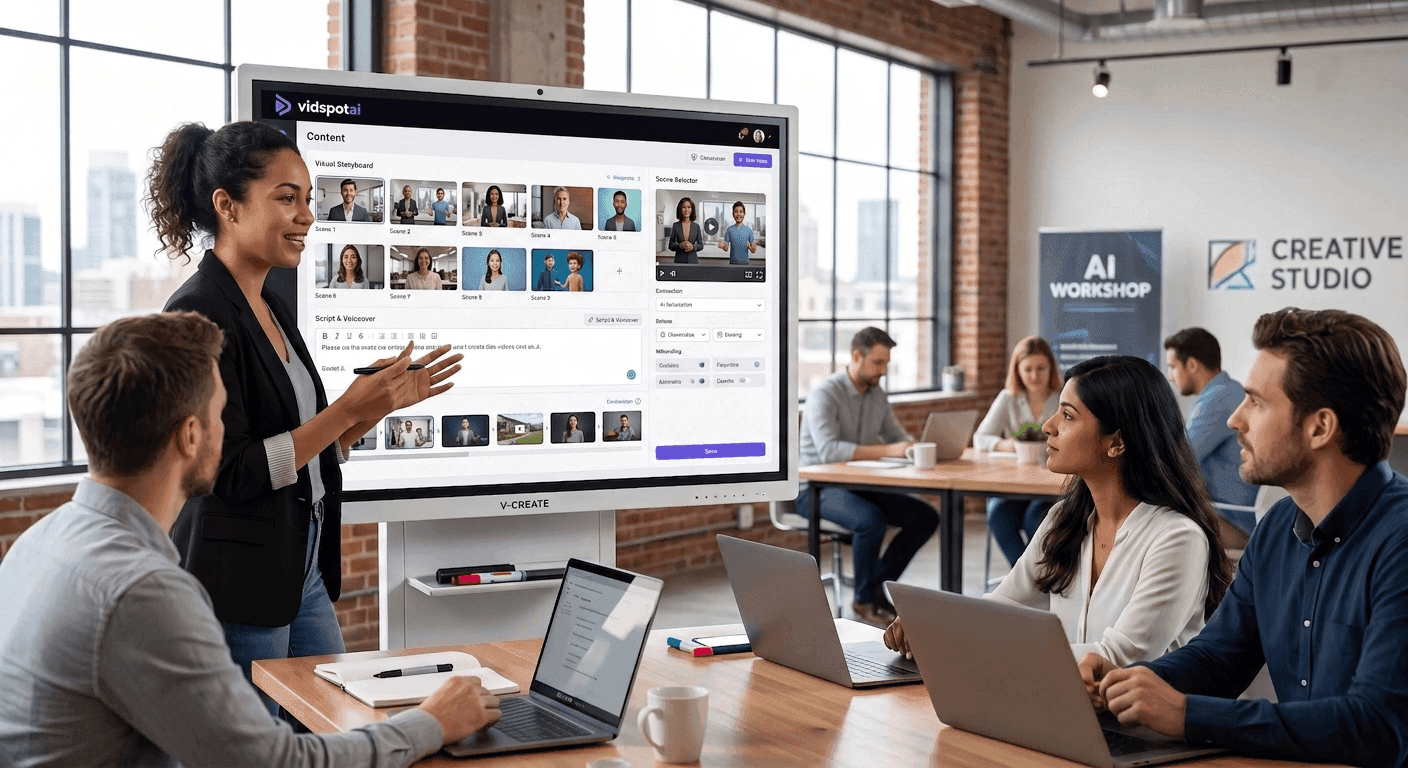
The following six steps move in sequence from content design through production and distribution. Steps 1 and 2 are editorial and happen before any generation tool is opened. Steps 3 through 6 cover production.
Step 1: Define the Learning Objective
Every training video should have one learning objective: a specific behavior, skill, or piece of knowledge the viewer will gain after watching.
Not "understand our compliance policy." That is a topic.
"Identify the three situations that require a mandatory report and the form to complete for each." That is an objective.
The distinction matters because the objective determines the script, the format, the length, and the success metric. A video without a defined objective is a presentation that happens to be recorded.
Write the objective as a measurable outcome. Use the format: "After watching this video, the viewer will be able to [specific action]."
- "Identify phishing attempts and report them using the internal ticket system."
- "Complete the weekly timesheet in under three minutes."
- "Deliver feedback using the three-part model introduced in the management training."
One objective per video. If the content requires two objectives, it requires two videos.
Step 2: Write a Script Built for Video, Not Documents
The single biggest error in AI training video production is converting a policy document or slide deck into a script without adaptation. Documents are written for readers. Scripts are written for listeners.
A document might read: "Employees are required to complete mandatory cybersecurity training within 30 days of their start date, with refresher training required annually thereafter, as detailed in Section 4.2 of the Employee Handbook."
A script for the same information: "You have 30 days from your start date to complete cybersecurity training. After that, it comes up once a year. Both are mandatory."
The listener hears the information once and needs to understand it immediately. Formal register, nested clauses, and document references do not translate.
Use a two-column format: narration on one side, visual description on the other.
- Narration: "There are three situations that always require a mandatory report." — Visual: Title card: "3 situations that require a report"
- Narration: "The first is any suspected data breach, even if you're not certain." — Visual: Icon or graphic representing a data breach
- Narration: "The second is a complaint from a customer about billing." — Visual: Icon representing a billing dispute
- Narration: "The third is any request from a regulatory authority." — Visual: Icon representing a regulatory body
The visual description becomes the generation prompt when producing the video. Writing specific visual descriptions at the script stage saves regeneration time later.
Script length. At a natural narration pace of around 150 words per minute, a 3-minute module requires roughly 450 words of script, and a 5-minute module runs to about 750 words. Know the target before drafting, because scripts written without a target almost always run long.
Step 3: Choose Your Production Approach
The right approach depends on what the training video needs to show.
Presenter-led (no filming required). For onboarding, compliance, soft skills, and culture content, a presenter delivers the script directly to the viewer. AI avatars with lip sync replace the need for filming. This works when a human face builds credibility, and the material does not require showing an interface or physical process. VidSpotAI's Pro plan includes an AI Avatar generator with lip sync, which supports presenter-led delivery of any training script without a camera or studio booking.
Screen capture plus generated surroundings. Software training requires the actual interface on screen. That footage comes from a screen recorder; both macOS and Windows include one, and most teams have a preferred tool. Screen capture handles the proof: showing exactly which button to click and where the menu item appears. AI generation covers everything around it: the opening context, the presenter introducing what the learner is about to see, the narration explaining each step, and the closing summary.
Fully generated. Product knowledge, conceptual explanations, process overviews, and global communication training often require no interface footage. Text-to-video generation creates the visual layer; the script provides the narration. This is the most flexible approach and the fastest to produce at scale, particularly for multilingual content.
Step 4: Generate the Video
With a two-column script and a chosen approach, generation becomes systematic.
Match the model to the content. Different generation models produce different looks: from photorealistic and illustrated styles to clean corporate visuals. VidSpotAI routes ten models through one interface: Veo, Kling, Runway, Luma, Pixverse, Hailuo, Haiper, Seedance, Hunyuan, and Midjourney. For training content, visual consistency across a module matters more than photorealism. Choose a model and stay with it throughout a series.
Prompt from the visual column. The visual description in the script is the prompt. "Icon representing a billing dispute" is a starting point; "a close-up of a phone screen showing a customer service chat interface, a clean white background, and professional lighting" produces something usable. Specific prompts generally produce more usable results than vague ones.
Spend regeneration effort on the opening. The opening 10 seconds play an important role in holding attention. Completion rates are heavily influenced by whether the first few seconds hold attention. Budget more regeneration attempts there than for the middle sections.
VidSpotAI generates videos up to 10 minutes, which covers every format above, from a 2-minute compliance module to a 7-minute product deep-dive. For teams producing a full training library, the AI Video Agent on the Pro plan handles autonomous video creation from a script, producing a complete first draft without manual scene assembly.
Step 5: Add Narration and Captions
AI voiceover is the default for training content at scale, primarily because it allows fast updates: change the script, regenerate the narration, and the video is current. Match the voice tone to the training type: compliance content benefits from a clear, measured delivery; onboarding can be warmer and more conversational.
Many corporate learners watch training videos without sound, on mobile, in shared spaces, or during commutes. Uncaptioned training videos lose those viewers entirely.
VidSpotAI supports multilingual output across 40+ languages, so a training video produced in one language can generate versions for other markets without reconstructing the script structure. Accuracy matters more in training captions than in most other contexts; review against the script before publishing.
Step 6: Review, Adjust, and Distribute
Run these three checks before publishing a training video:
Check the video with the sound off. If the learning objective is not clear from visuals and captions alone, the video is over-reliant on narration.
Check every procedural claim. For software training, confirm each step matches the current interface. For compliance training, confirm every policy reference is current.
Time the sections. If any segment runs more than 90 seconds without a visual change, the fix is to break it into shorter visual beats.
VidSpotAI's browser-based AI video editor, available on all plans, handles scene-level corrections after generation. A mistimed cut, a wrong clip, or an outdated visual becomes a correction rather than a rebuild. For distribution, confirm the export format is compatible with the LMS before finalizing production, since format requirements vary by platform.
Keeping Training Libraries Current
The highest hidden cost in training video production is not the initial creation. It is maintenance.
A training library built on filmed content becomes outdated every time a tool updates, a policy changes, or a process is revised. Each update requires a reshoot: new talent booking, new editing, and a new approval cycle.
AI-generated training content can be easier to update than filmed content. When a script changes, regenerate the affected narration and scenes, then republish. Visual consistency is maintained because the same model settings produce the same style across a series.
Treat each training video as a living document rather than a finished artifact. Keep the script alongside the video file. When something changes, update the script first, then regenerate only the affected sections.
Common Mistakes in AI Training Video Production
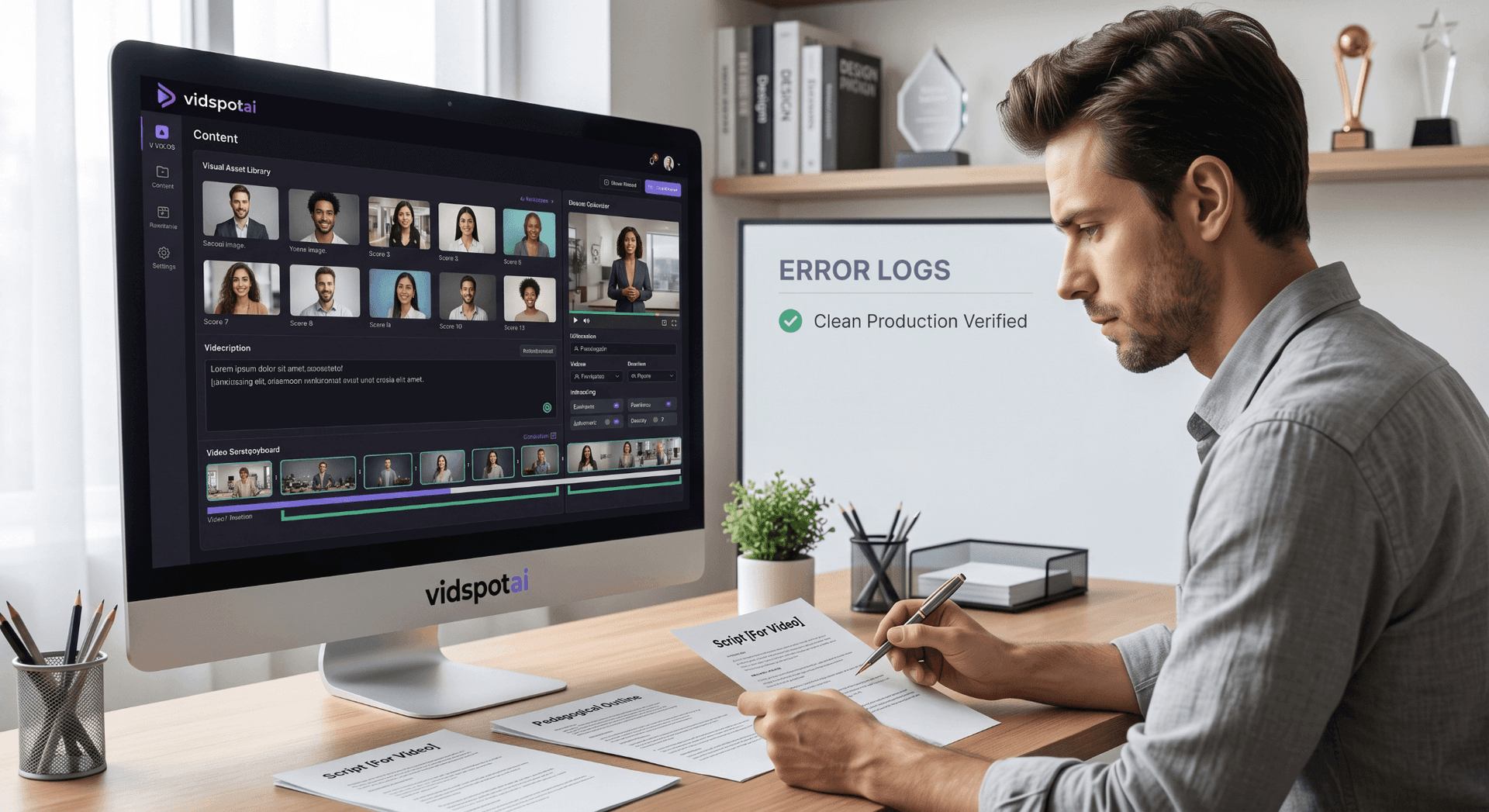
Several common mistakes can affect the clarity, quality, and effectiveness of AI training videos. The following issues can weaken the final video.
Writing for readers rather than listeners
Policy language and technical documentation do not translate to voiceover. Every sentence needs to work when heard once at a normal pace.
One long video instead of a module series
A 20-minute training video covering six topics will have lower completion rates than six 3-minute videos each covering one topic. Break the content into shorter modules early in the planning process.
Skipping the learning objective
A video without a defined outcome is content, not training. Training requires a defined outcome and a way to measure learning.
Generic visuals
Training content benefits from specificity: the learner's industry, their actual tools, and the real interface being trained on. Vague generation prompts produce vague footage that looks interchangeable with any other corporate video.
Publishing without reviewing captions
Automated captions regularly mangle technical terms, product names, and compliance language. Review against the script before publishing.
Treating the generated draft as the final output
The opening and closing of a training module are the most important segments. The opening determines whether anyone watches the middle. The closing determines what the learner takes away. Budget regeneration time for both.
FAQs
How long should an AI training video be?
The effective range for workplace training is 3 to 7 minutes per module. Completion rates drop sharply above 15 minutes. For longer topics, break the content into a series of short modules rather than increasing the length of a single video.
Can AI create a training video without any filming?
Yes, for most training types. Onboarding, compliance, soft skills, product knowledge, and culture content can be produced entirely through AI generation using presenter avatars and generated footage. Software training is the exception; the interface footage still needs to come from a screen recorder, since AI generation may not reliably replicate a specific software environment.
How do I keep training videos current when processes change?
Maintain the script file alongside the video. When a process or policy changes, update the script, then regenerate only the affected narration and scenes. AI-generated training content is significantly faster to update than filmed content because there is no need for a reshoot.
Can training videos be produced in multiple languages?
Yes. VidSpotAI supports 40+ languages, so a training module produced in one language can generate localized versions without rebuilding the visual structure. Each version still needs a review pass to confirm narration timing and caption accuracy before distribution.
What is the difference between a training video and an explainer video?
Training videos have a defined learning objective and are evaluated by whether the viewer can demonstrate a specific skill or piece of knowledge after watching. Explainer videos typically inform or persuade without a measurable learning outcome. The production process is similar, but training content requires tighter scripting and usually connects to an assessment or follow-up activity.