
Remove Any Background For Free in Seconds
AI Background Remover
Remove any image background automatically in seconds with AI-powered precision. Detect the foreground subject, replace or refine the background, and process multiple images in bulk for clean, professional cutouts.


Drop an image here
Drag and drop, paste, or browse. PNG, JPG, WebP or HEIC up to 22 MB.
Got a batch? Select or drop several photos to switch to Bulk mode.
Try a sample
Background
Trusted By Brands

 OriginalBackground removed
Remove Background Automatically
Background Remover uses AI to detect the foreground subject, remove background pixels, and preserve fine edges in one click. It delivers precise cutouts without manual selection or masking.
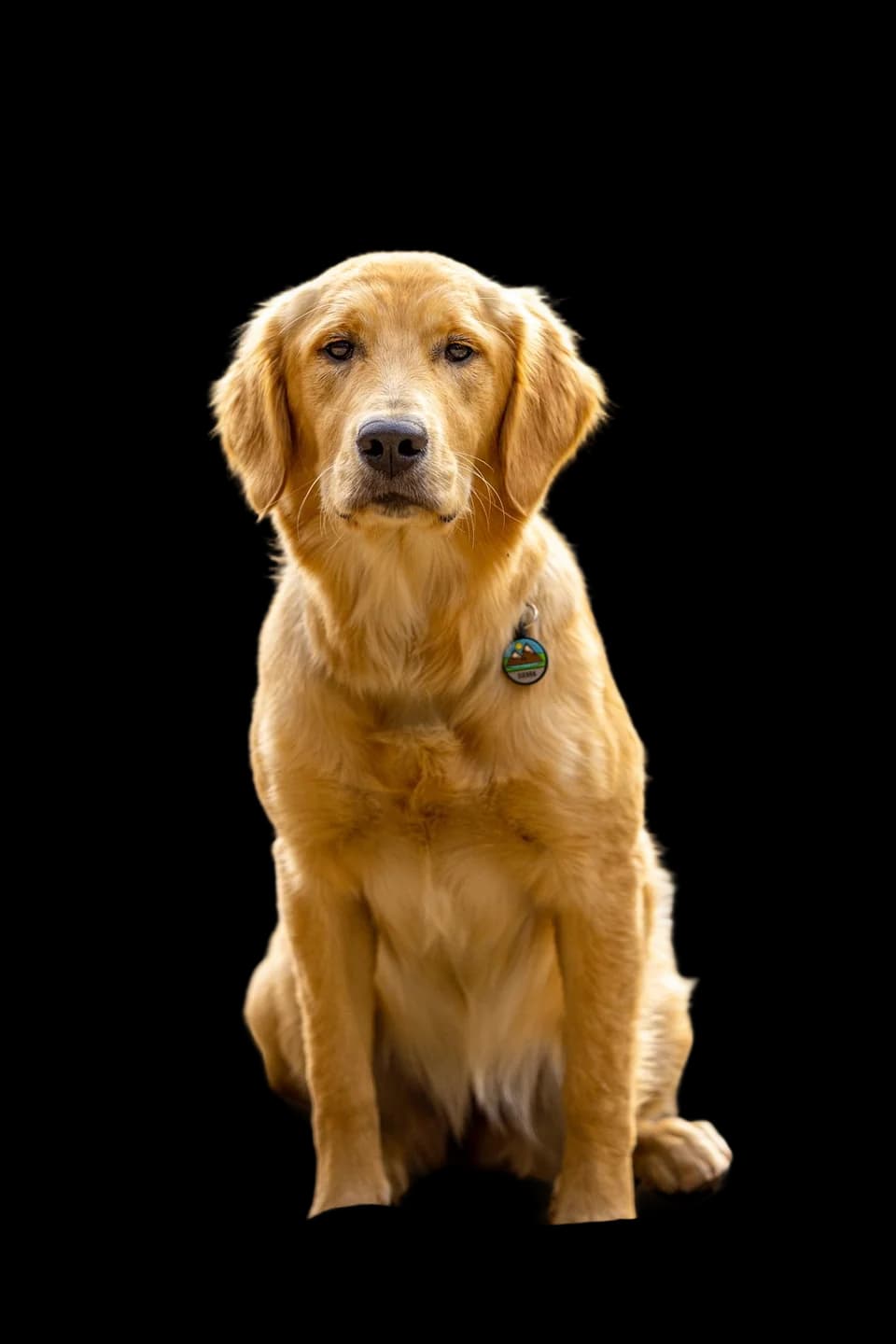 White
White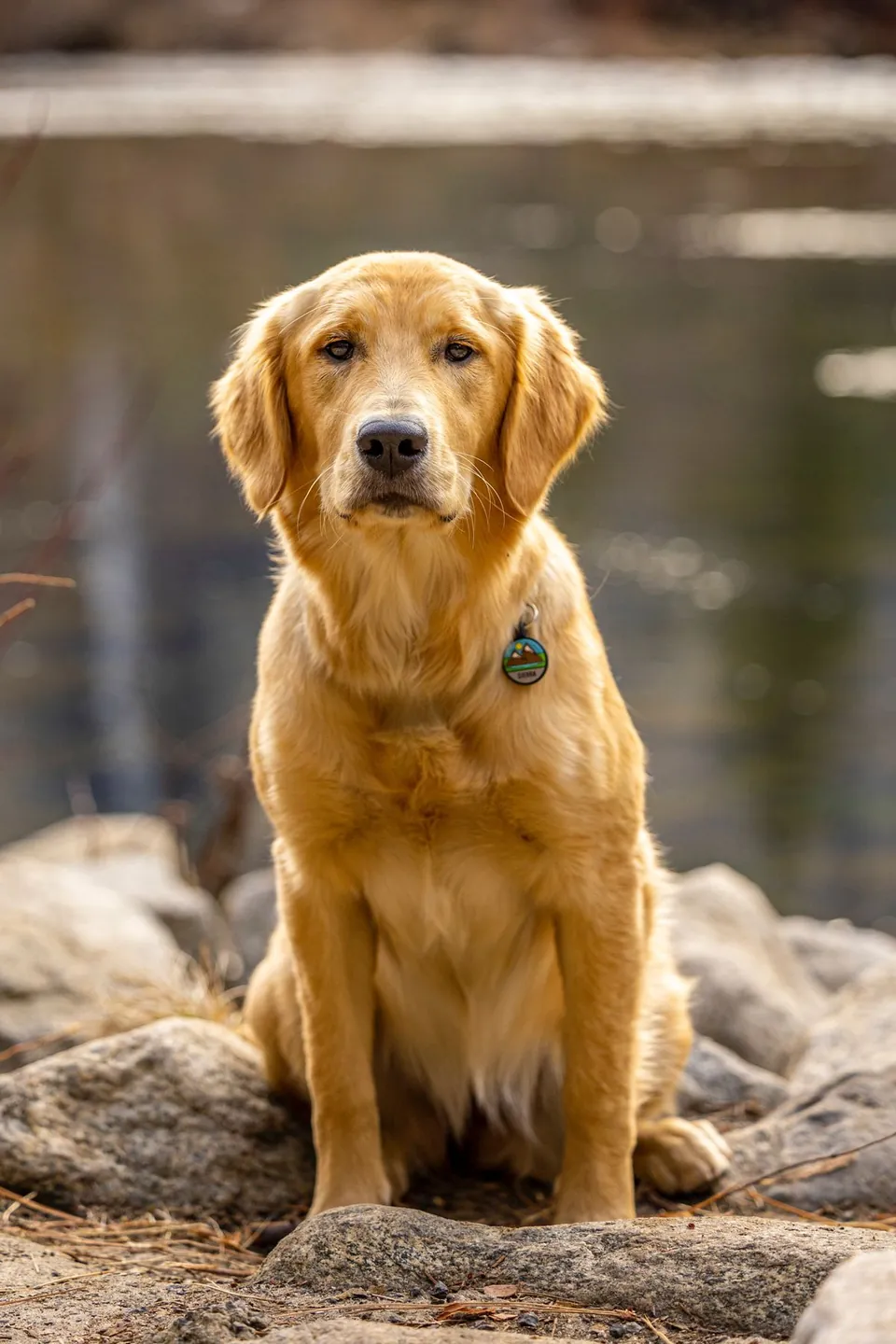
Replace Background With New Backdrops
Background Remover replaces removed backgrounds with colors, gradients, blur effects, or studio-quality backdrops. It offers presets, textures, themed scenes, and white backgrounds for platform-ready product images.
Refine Cutouts With Magic Brush
VidSpotAI manually erases residual pixels, restores details, and refines edges for precise cutouts. It gives creators control over transparent cutouts without switching to another editor.

Remove Backgrounds In Bulk
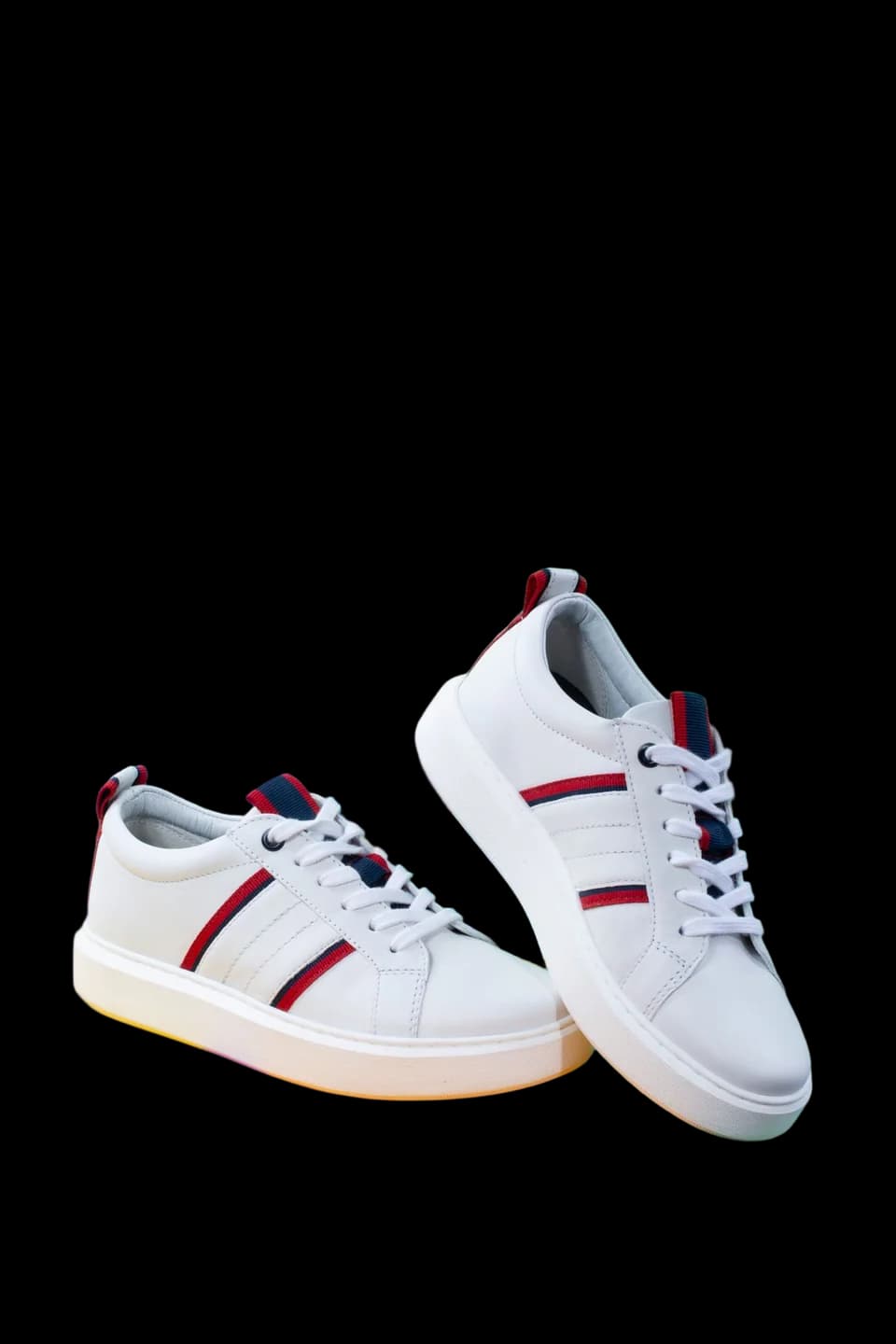
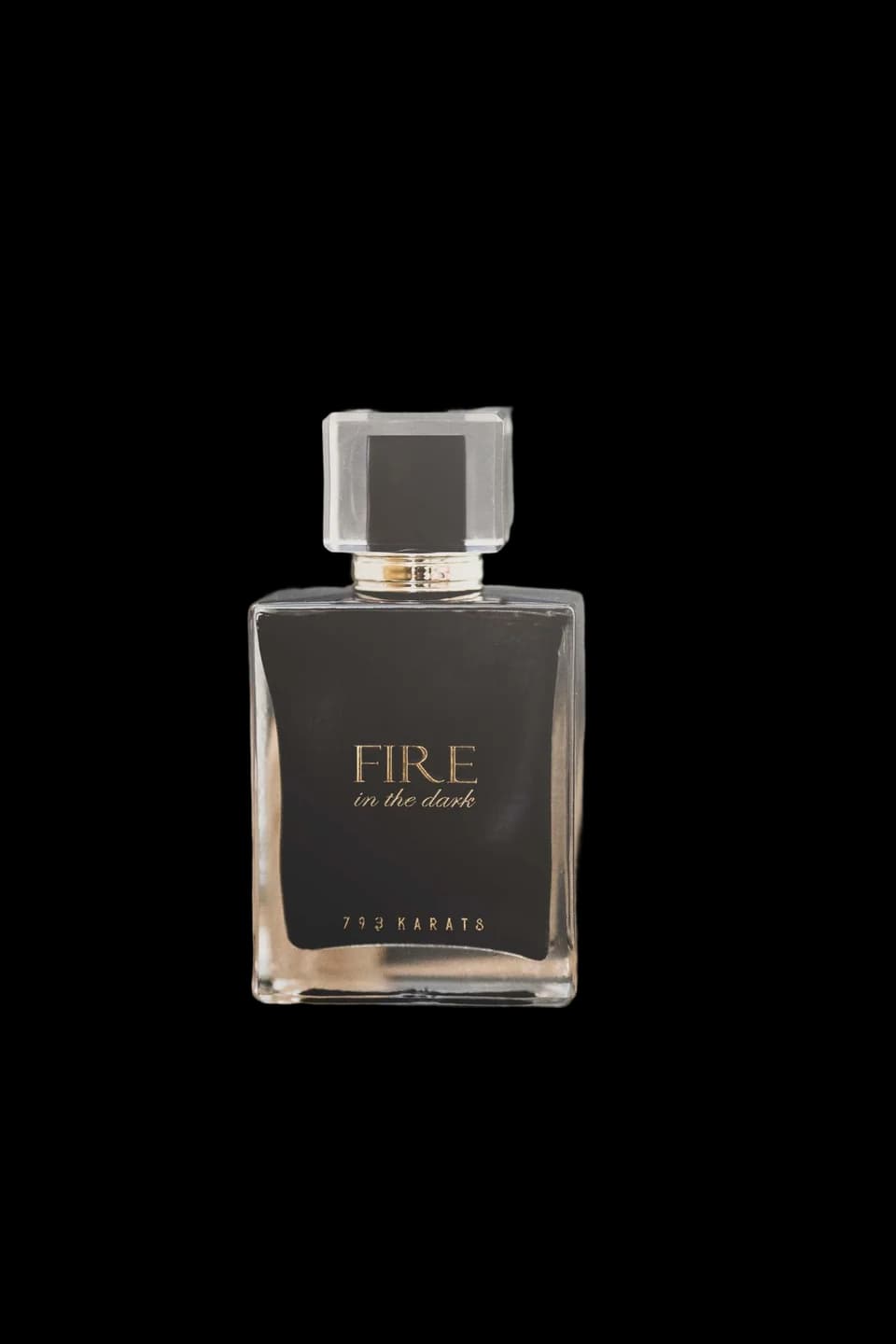
Background Remover processes up to 50 photos at once for faster batch background removal. VidSpotAI automates bulk positioning, resizing, and converting across catalogs and multichannel workflows.
Explore All The Features of VidSpotAI AI Background Remover
Generate AI Backgrounds From Text
Generates custom backdrops from a text description through a text-to-image AI generator. VidSpotAI creates studio-quality scenes and custom backgrounds without a photoshoot.
Edit Photos Beyond Backgrounds
Removes unwanted objects, resizes and crops images, recolors clothing, retouches details, adds text overlays and curved text, and exports GIFs and animations from the same editor. VidSpotAI covers portrait-to-landscape orientation, shape crops, and photo editing effects.
Enhance Image Quality With AI
Upscales image resolution, sharpens detail, and enhances image quality through AI models and smart rendering. VidSpotAI preserves image detail during enhancement and supports resolutions up to 50 megapixels.
Stage Products With AI Models
Places products on virtual AI fashion models, ghost mannequin setups, and flat lay arrangements with AI-generated shadows for professional product staging. VidSpotAI produces marketplace-ready product shots without requiring physical models.
Erase Video Backgrounds Online
Removes backgrounds from videos online and creates virtual backgrounds for video calls and product video generators in one run. Background Remover erases video backdrops without a green screen or desktop software.
Export Transparent High-Res PNGs
Exports finished cutouts as transparent PNG, JPG, JPEG, WebP, HEIC, and HEIF files at high resolution from a 22MB source file. Background Remover supports print-ready and digital-format assets.
Add Stock Photos And Templates
Opens a stock photo library, icon asset library, pattern and shape collections, and a template gallery of pre-made, customizable designs inside the editing canvas. VidSpotAI provides ready-made graphic elements for completing visual projects.
Collaborate With Brand Kits
Stores fonts, and visual identity assets in a shared brand kit for real-time team collaboration across projects. VidSpotAI maintains consistent branding across team designs.
Remove Backgrounds In Seconds
Returns a clean cutout in under five seconds regardless of image complexity. Background Remover speeds up editing workflows without sacrificing edge accuracy or detail.
Edit Without Design Skills
Requires no design skills, no editing experience, and no prior knowledge to produce clean, professional results from the first upload. VidSpotAI works equally well for beginners and experienced designers.
Why VidSpotAI is the Best AI Background Remover
Perfect Portraits And Headshots
Background Remover removes backgrounds from portraits, professional headshots, Discord avatars, and passport photos with studio-level precision. It produces CV photos, and class presentation images ready to download without retouching.
Sell Products And Catalog Images
Remove Background from product photos across clothing, skincare, jewelry, beauty, furniture, and automotive categories for e-commerce listings and marketplace product catalogs. It produces consistent storefront product photos across every sales channel at scale, from a single product shot to a full e-commerce drop.
Design Logos And Social Graphics
VidSpotAI removes backgrounds from social graphics, album covers, flyers, posters, infographics, and collages. It creates transparent, reusable assets for presentations, social media visuals, and client ad concepts.
Clean Cars, Pets, And Property
Background Remover cleans up car photos for dealership listings, real estate photos for property brochures and virtual tours, and animal and pet photos with busy backdrops. VidSpotAI handles every specialist image type a professional listing or portfolio requires.
Built For Every Creator
Designers And Photographers
Background Remover serves graphic designers, photographers, media creators, and individual creators who need clean cutouts for content creation and creative projects.
Marketers And Sellers
VidSpotAI supports marketers, marketing coordinators, e-commerce sellers, and business owners producing product visuals and marketing assets at scale.
Developers And Enterprises
Background Remover gives developers, enterprise teams, car dealerships, and students API access and scalable background removal for product launches and high-volume workflows.
Remove Backgrounds In Three Steps
Upload Your Photo
Upload a photo by drag and drop, paste an image URL, browse for a file, or select an example from the gallery. Background Remover supports a wide range of image formats.
Let AI Remove Backgrounds
Background Remover detects the subject, traces every edge, and removes the background automatically. VidSpotAI previews the original and cutout side by side for result confirmation before downloading.
Download Or Keep Editing
Download the transparent PNG, keep editing with a new backdrop or design elements, or share the result directly. VidSpotAI preserves the cutout and edited design across supported formats.
Pricing
Flexible Pricing Plans for Every Creator
The platform offers AI image to video no account access. Choose the perfect plan that suits your needs and start creating videos endlessly.
Basic Plan
Essential tools for hobbyists.
- AI Text-to-Video generation
- AI Image generation
- Video generation up to 1 minute
- Access to the AI video editor
- Community-driven support
Pro Plan
Perfect for content creators.
- Everything in Basic
- AI Image-to-Video
- AI Agent — autonomous video creation
- AI Avatar generation & Lip Sync
- Video generation up to 5 minutes
- Advanced editor with enhanced customization & faster rendering
- Dedicated support channel with quicker responses
Business Plan
For agencies and power users.
- Everything in Pro
- AI Video-to-Video generation
- Video generation up to 10 minutes
- Top-tier rendering priority for fastest delivery
- Full editing suite with automation tools
- Collaborative workspace for teams
- Priority business support with dedicated success manager
Secure Payment Via Stripe • Cancel Anytime • 3-Day Money-Back Guarantee
Reviews
“VidSpotAI removes backgrounds from product photos in seconds and keeps the edges remarkably clean. The transparent PNG exports make my product listings look much more professional.”
Olivia Bennett
Product Photographer
“The automatic background removal and replacement tools are perfect for creating marketplace-ready product images. I can switch between white backdrops, gradients, and lifestyle scenes without using another editor.”
Ethan Parker
E-commerce Seller
“Magic Brush gives me the control I need when a cutout needs small adjustments. I can refine edges, restore details, and create clean transparent graphics for social campaigns.”
Mia Rodriguez
Social Media Designer
“The bulk processing feature saves our team a lot of time when working with large image catalogs. Processing up to 50 photos at once makes background removal much easier to scale.”
Noah Williams
Creative Agency Owner
FAQs
Background Remover is an AI tool by VidSpotAI that automatically removes backgrounds from images while preserving the main subject and fine details. It supports transparent cutouts, background replacement, and bulk image processing.
Background Remover detects the foreground subject and removes the background from any image. It handles people, products, animals, logos, and graphics without manual selection.
Background Remover works by analyzing image pixels, differentiating the foreground subject from the background, and tracing every edge through AI algorithms. VidSpotAI returns the cutout ready to download, replace with a new backdrop, or refine with the magic brush.
Yes. Background Remover is free to use with a free plan and a 1-day free trial. VidSpotAI's paid plans unlock unlimited usage and advanced design tools for higher-volume creators.
Yes. Background Remover preserves the original photo quality through every removal and exports transparent PNGs and high-resolution files with no quality loss. VidSpotAI's AI enhancer also upscales and sharpens images after removal if needed.
Yes. Background Remover saves every cutout as a transparent PNG by default, with no background fill added unless a replacement is selected. VidSpotAI exports print-ready and digital-format transparent images.
Yes. VidSpotAI provides API access for developers integrating background removal into their own platforms and workflows. It also offers enterprise API plans with volume pricing for larger integrations.
Removing a background produces clean, professional images for e-commerce listings, social media, marketing campaigns, and printed materials. VidSpotAI makes product photos marketplace-compliant, portraits studio-quality, and brand assets reusable across every design project.
VidSpotAI publishes tutorials covering how to remove and replace backgrounds with AI, generate custom backgrounds from text descriptions, and replace product photo backgrounds at scale with AI agents.
Still have questions?
Cant find the answer youre looking for? Please chat to our friendly team.
Contact SupportRemove your first background free
Remove any image background automatically in seconds with AI-powered precision. Detect the foreground subject, replace or refine the background, and process multiple images in bulk for clean, professional cutouts.
Background Remover is free to use with a free plan and a 1-day free trial.