
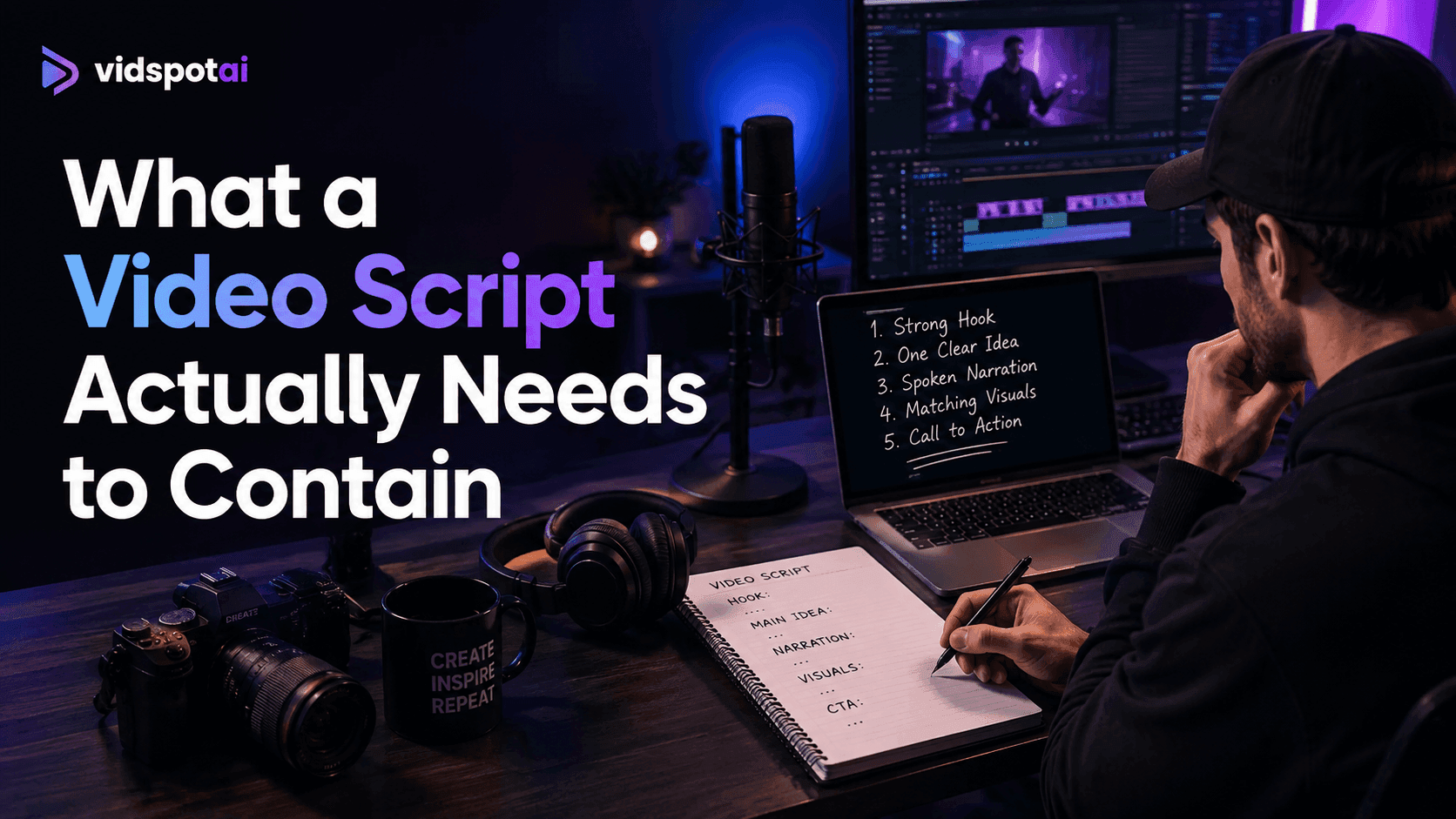
Learn how to write a video script with AI, from prompt structure to script length, what AI gets wrong, and how to turn the finished script into a video.
How to Write a Video Script with AI: A Practical Guide
Ask a language model for a video script, and it will give you one in about four seconds. Ask whether that script is usable, and the answer is usually no.
The draft arrives with a hook nobody would stop scrolling for, sentences that all run the same length, and a call to action bolted on at the end. It reads like a blog post someone decided to speak aloud. That is not a model failure. It is what happens when a general writing tool is asked for a specialized format with no information about the format.
The fix is not a better tool. It is knowing what to specify before generating and what to correct afterward.
What a Video Script Actually Needs to Contain
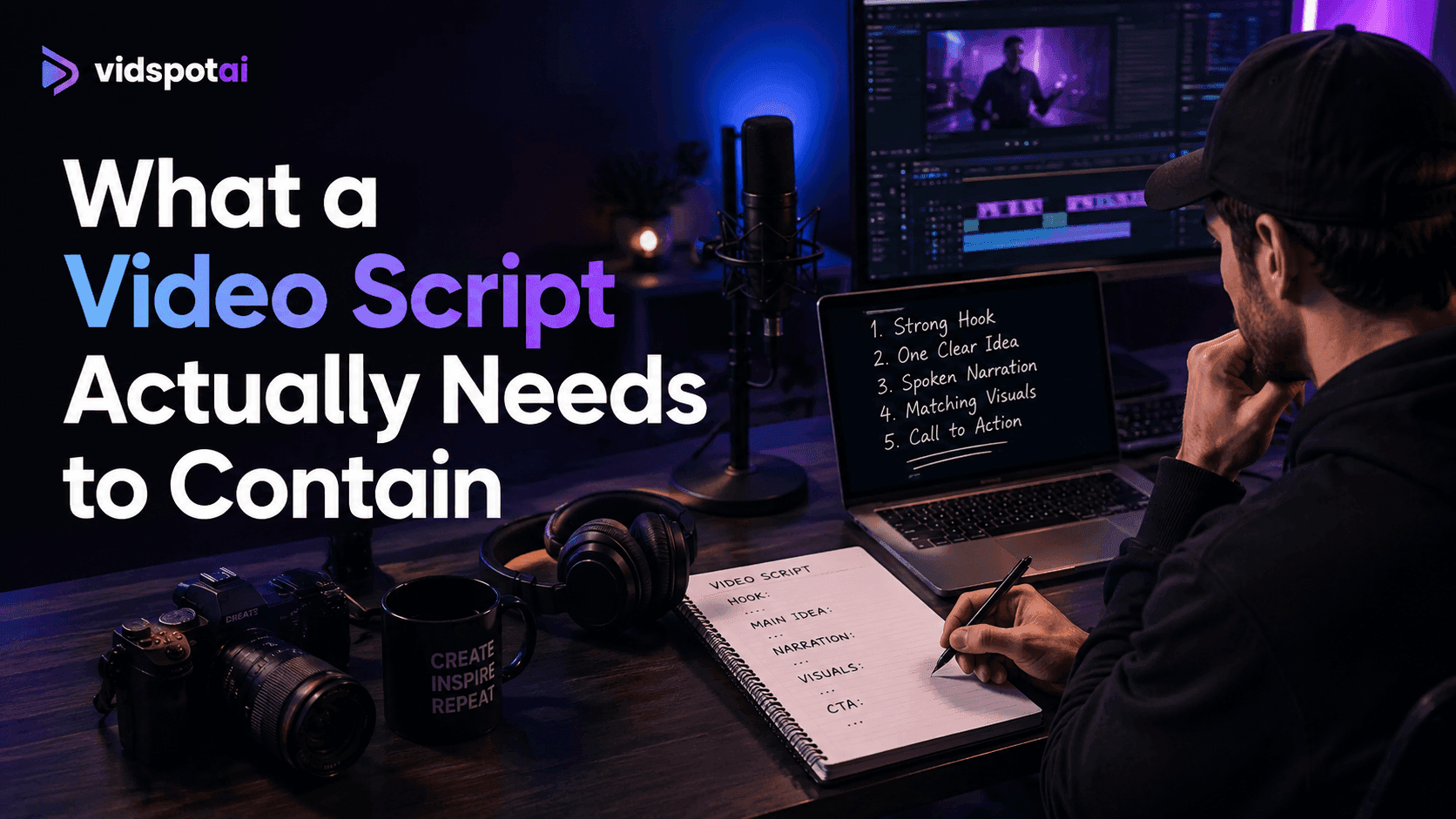
A video script is not prose. It is a set of instructions for what a viewer will hear and see, timed to the second. A usable script contains five things: a hook in the first five seconds, one clear idea, spoken-language narration, a visual note for each section, and a single call to action.
That definition matters because it explains most of what goes wrong. AI writes prose well. Prose read aloud does not become a script; it becomes a person reading an article.
Two properties separate the two formats:
- Video is linear and unskippable. A reader can jump to the section they need. A viewer receives whatever comes next, at whatever pace you set. Anything that depends on rereading has to be simplified or cut.
- Video carries meaning in two channels at once. Narration and visuals work together, and a script that only specifies one of them leaves half the video undefined.
Step 1: Define the Video Before You Prompt
Most weak AI scripts come from weak inputs. A model given "write a script about email marketing" has no way to know the length, audience, platform, or purpose, so it produces the statistical average of every email marketing script it has seen. That average is exactly the generic draft people complain about.
The Four Inputs Every Prompt Needs
Decide these before opening any tool:
- Audience — Not "marketers" but "marketers at small agencies who already run campaigns and want to improve open rates."
- Goal — What the viewer should know, feel, or do afterward. One outcome, not three.
- Platform — A 30-second vertical clip and a five-minute YouTube explainer need different structures, pacing, and hooks.
- Tone — Instructional, conversational, authoritative, or energetic. Say which.
Specificity in these four fields does more for script quality than any other single change.
Work Out Your Script Length First
This is the step almost everyone skips, and it causes more rewriting than anything else.
Narration sits comfortably around 140 words per minute. Working backward from your target runtime gives a word budget:
- 15 seconds — 35 words
- 30 seconds — 70 words
- 60 seconds — 140 words
- 90 seconds — 200 to 220 words
- 3 minutes — 400 to 450 words
- 5 minutes — 700 words
Put the number in the prompt. A model told to write "a 60-second script" will usually overshoot, because it has no reliable sense of spoken duration. A model told to write "140 words of narration" hits the target far more often.
Check your production tool's ceiling before settling on a runtime. VidSpotAI's AI video generator generates videos up to 10 minutes, which covers anything from a 15-second vertical clip to a long-form explainer, so the script length can be driven by the subject rather than by the tool.
Step 2: Write a Prompt That Produces a Usable Draft
A vague prompt produces a vague script. The structure below front-loads everything the model needs.
A Prompt Structure That Works
Write narration for a [length]-word video script.

Audience: [specific description]
Goal: [what the viewer should do or understand]
Platform: [YouTube / TikTok / LinkedIn / product page]
Tone: [instructional/conversational/authoritative]

Structure:
- Hook (first 5 seconds): [the problem or payoff]
- Body: [2 to 4 key points]
- Close: [single call to action]

Write for the ear. Short sentences, contractions, no
subheadings, no bullet points in the narration itself.
The final line matters more than it looks. Without it, models default to written formatting: headers, lists, and parenthetical asides that make no sense spoken aloud.
Generate Scene by Scene, Not All at Once
Asking for a complete script in one output produces something evenly weighted, where the hook receives the same attention as the third supporting point. Generating in parts produces better results:
- Generate five hook options first. Pick one, or combine two.
- Generate the body against that chosen hook.
- Write the close separately, so the call to action matches the specific promise the hook made.
This takes marginally longer and consistently produces a stronger opening, which is the part that decides whether anything else gets watched.
Step 3: Fix What AI Consistently Gets Wrong
Every generated script needs an editing pass. Four problems appear reliably enough to check for by default.
Generic Hooks
"In today's fast-paced digital world" and "Have you ever wondered" are statistical averages, not openings. Replace the first line with something specific to your subject: a number, a contradiction, or a direct statement of the problem.
Uniform Sentence Rhythm
Generated narration tends toward sentences of similar length, which sounds mechanical when spoken. Break the pattern deliberately. Follow a long explanatory sentence with a short one. Read the draft aloud, and the flat passages become obvious immediately.
Missing Specifics
Models produce safe, general statements because generality is what averages look like. Your script needs the details only you have: the actual number, the real example, the specific tool, and the thing that happened. Every generic claim you replace with a specific one strengthens the script.
A Call to Action That Does Not Match the Hook
AI often closes with a default CTA unrelated to the opening promise. If the hook promised a fix for a problem, the close should point at that fix, not at a newsletter signup.
Step 4: Format the Script for Production
A script that only contains narration leaves every visual decision unmade. The two-column format solves this and takes minutes to build.
The Two-Column Script
- Narration: "Most email campaigns fail before the subject line." — Visual: Close-up of an inbox, unopened messages
- Narration: "The problem is timing, not copy." — Visual: Split screen, two send times
- Narration: "Here is what changed when we moved to Tuesday." — Visual: Chart showing open-rate shift
Each row above is one scene. The left column is what the viewer hears; the right is what they see. Scenes run roughly five to fifteen seconds, so a 90-second video needs eight to twelve rows.
Writing the visual column yourself matters. It becomes the prompt for whatever generates or sources your footage, and vague visual notes produce vague footage. Whether those notes feed a stock library or a generation platform like VidSpotAI, the specificity you put into the right column is what determines how close the output lands to what you pictured.
Read It Aloud Before Going Further
This is the single most effective quality check available, and it costs the length of the video.
Read the script at a normal speaking pace and time. Sentences you stumble over are too long. Passages that feel flat need rhythm variation. Words you would never say out loud need replacing. If the timing runs over, cut now rather than after production.
Step 5: Turn the Finished Script into Video
With a two-column script complete, production becomes mechanical rather than creative. The script already specifies what is said and what appears on screen.
Two routes cover most videos:
- A presenter delivering the script. Suits explanations, opinion pieces, and anything where authority matters more than demonstration. AI avatars make this practical without filming. VidSpotAI includes AI Avatar generation with lip sync on its Pro plan, which handles presenter-led delivery of a finished script.
- Generated footage matching each visual note. Suits process explanations, product content, and anything with a concrete subject to show. Here the visual column becomes the generation prompt directly, which is why writing it specifically pays off.
Model choice affects how closely the output matches the visual intent. VidSpotAI routes several generation models through a single interface, including Veo, Kling, Runway, Luma, Pixverse, Hailuo, Haiper, Seedance, Hunyuan, and Midjourney, so a scene that misses with one model can be regenerated with another rather than accepted or abandoned.
One point worth knowing at the scripting stage: with support for 40+ languages, a script that works in one language can be produced in others without rewriting its structure. A single script becomes several localized videos rather than several separate writing jobs.
Adjustments after generation happen in the browser editor, included on all plans. A scene that runs long or a clip that misses the narration can be corrected without rebuilding the video.
Common Mistakes When Writing Video Scripts with AI
The following are the most common mistakes people make when writing video scripts with AI, and why each one weakens the final result.
Accepting the first draft
The first output is a starting point. Publishing it unedited is the most common reason AI-written videos feel generic.
Writing for the eye instead of the ear
Subheadings, bullet points, and parenthetical asides belong in documents. Spoken aloud, they sound wrong.
Skipping the length calculation
A script written without a word budget almost always runs long, and cutting after production costs far more than cutting before it.
Leaving the visual column empty
Narration alone is half a script. Whatever generates your footage needs direction, and "office scene" is not direction.
Using one prompt for every video
A prompt tuned for a 30-second social clip produces a poor five-minute explainer. Adjust the structure, not just the topic.
The Practical Takeaway
Writing a video script with AI works when the model is treated as a drafting tool rather than a writer. Define the audience, goal, platform, and tone. Calculate the word budget from the runtime. Generate the hook separately from the body. Then edit for specifics, rhythm, and a close that matches the opening.
The editorial decisions stay with you. What changes is the time between having an idea and having something to record or generate, which used to be measured in hours and now takes minutes.
Once the script is finished, the production step is where most of the remaining effort used to sit. VidSpotAI covers that stage: text to video and image to video generation, avatars for presenter-led sections, a choice of models for different visual styles, and a browser editor for adjusting scenes after generation. A one-day free trial is available on each plan.
FAQs
How long should an AI-generated video script be?
Work backward from run-time at roughly 140 words per minute. A 60-second video needs about 140 words of narration, and a three-minute explainer needs 400 to 450. Specifying the word count in your prompt produces more accurate results than specifying the duration.
Can AI write a complete video script by itself?
It can produce a complete draft, but not a finished script. Generated drafts reliably need a specific hook, varied sentence rhythm, concrete details, and a call to action matched to the opening. The draft saves the blank page; the editing pass makes it usable.
What is the best prompt for writing a video script?
The most effective prompts specify audience, goal, platform, tone, target word count, and structure, then instruct the model to write for the ear rather than the page. Vague prompts produce generic scripts, because a model with no constraints returns the average of everything it has seen.
Should the script include visual directions?
Yes. A two-column script pairing each narration line with a visual note defines both channels of the video. The visual column also becomes the prompt for generating or sourcing footage, so writing it specifically improves the final result.
How do I stop an AI script from sounding robotic?
Most robotic delivery originates in the script, not the voice model. Long clause-heavy sentences give a narrator nowhere to breathe, and formal register sounds stiff spoken aloud. Shortening sentences and adding contractions fixes more than adjusting narration settings ever will.